RCS Messaging

Create richer customer experiences with RCS

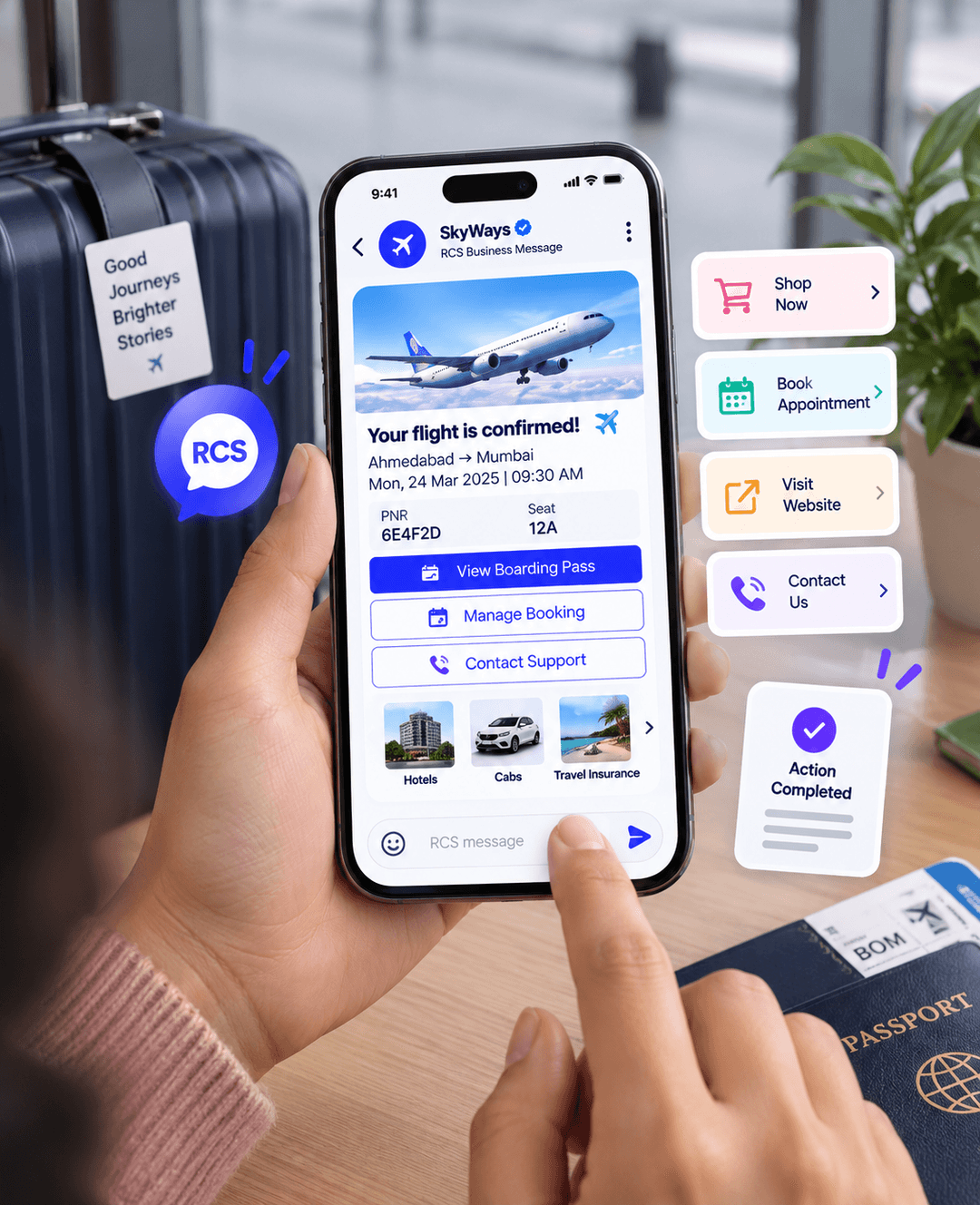
Send branded, interactive messages with images, buttons, and rich content while keeping customers connected throughout their journey.

RCS Features
Create richer customer experiences
01

Create richer customer experiences

Go beyond plain text with branded messages that make customer communication more useful and engaging.

  • Use images, buttons, cards, and rich media.
  • Keep your brand visible throughout the customer journey.
  • Give customers a more interactive messaging experience.
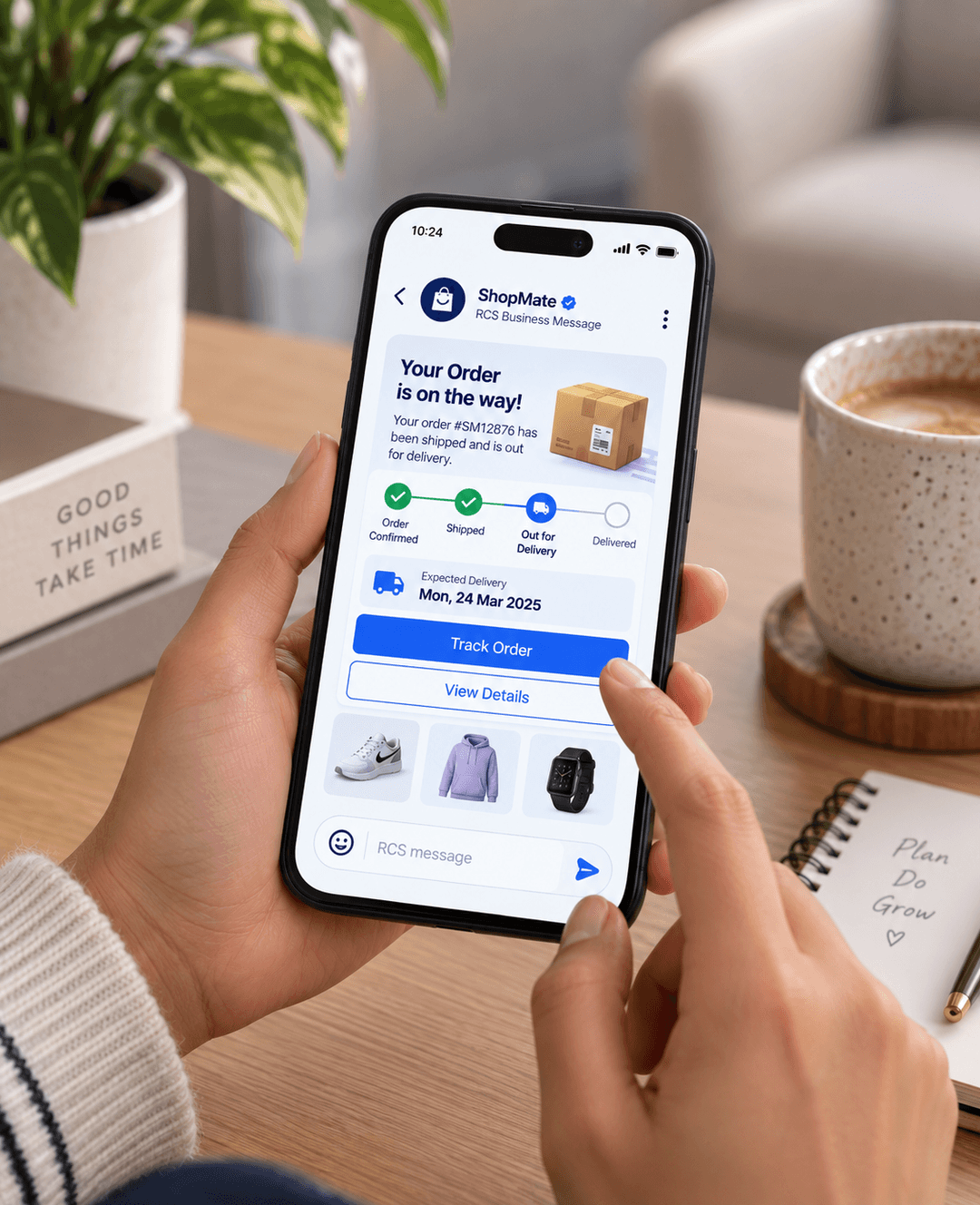
Send useful messages at the right time
02

Send useful messages at the right time

Keep customers updated with clear and engaging messages across important moments in their journey.

  • Send order, booking, payment, and service updates.
  • Share reminders and important notifications.
  • Trigger messages automatically from customer actions.
Turn messages into action
03

Turn messages into action

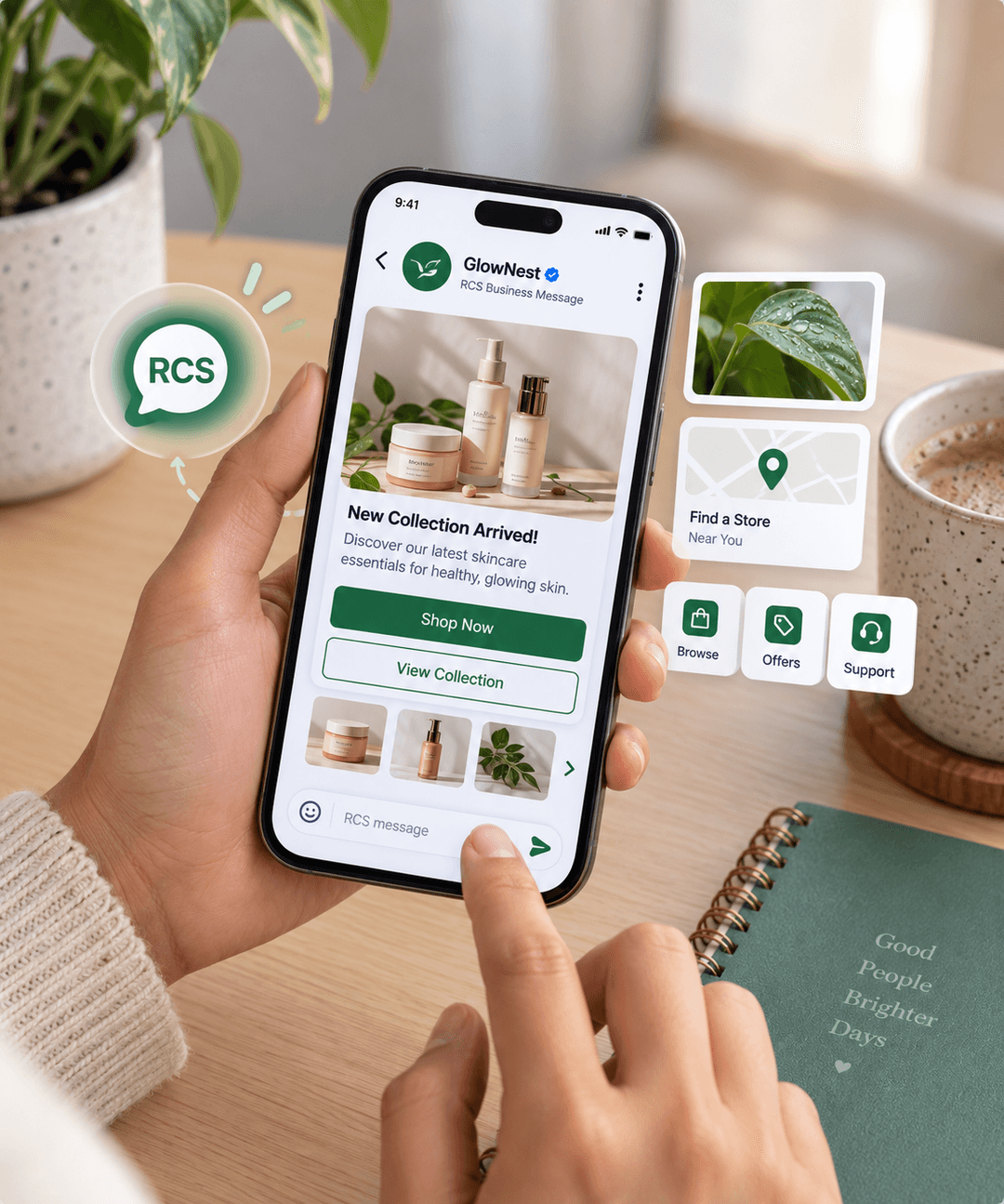
Give customers simple ways to respond, choose, explore, or take the next step directly from your message.

  • Add buttons and clear calls to action.
  • Drive customers to websites, offers, bookings, and more.
  • Make every message easier for customers to act on.
Connect RCS with every channel
04

Connect RCS with every channel

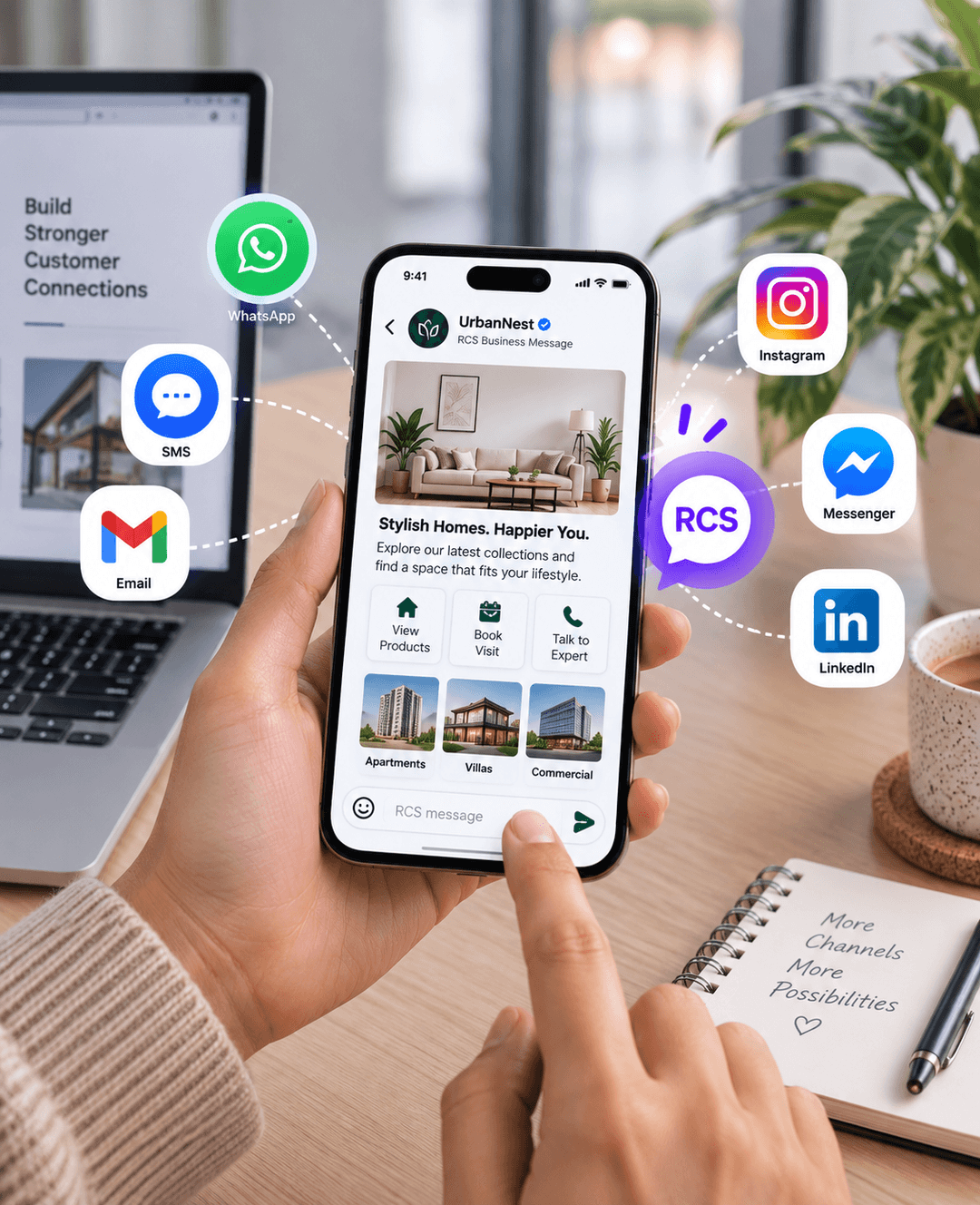
Use RCS as part of your wider communication journey and connect it with the channels your customers already use.

  • Connect RCS with WhatsApp, SMS, Email, and social channels.
  • Create consistent customer journeys across channels.
  • Choose the right channel for every customer interaction.
How RCS messaging works
How it works

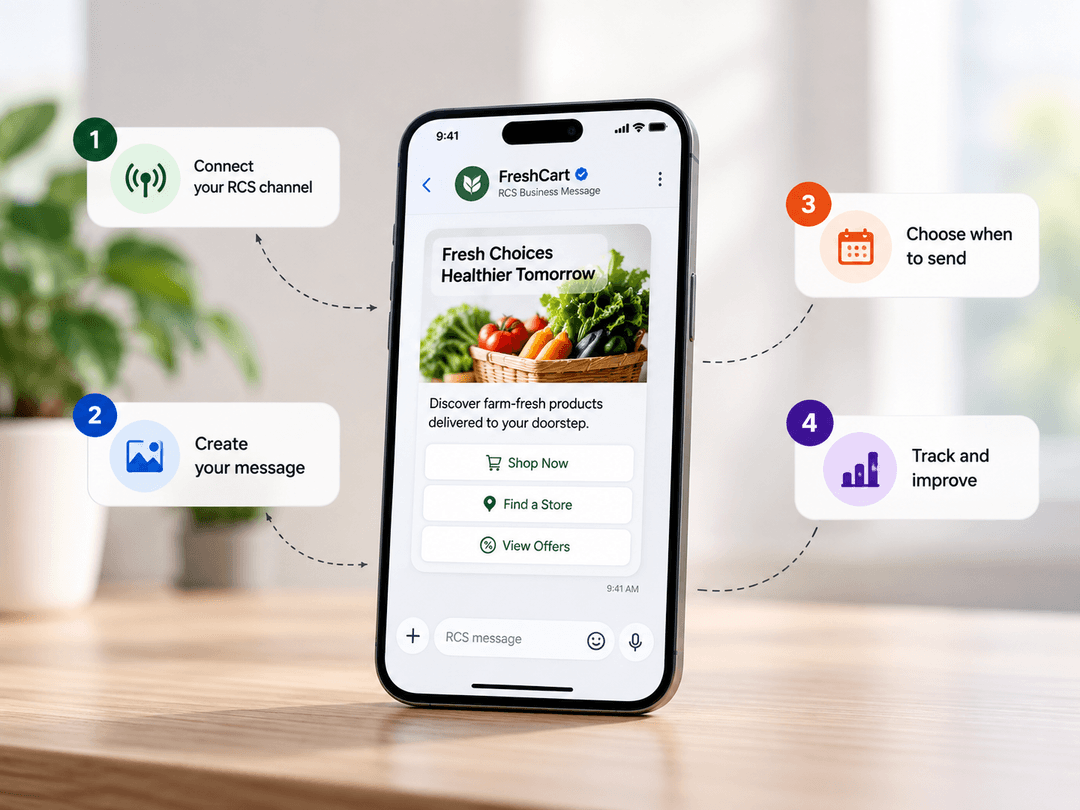
Start using RCS in a few simple steps

Create your rich message, connect your customer journey, and let Superblock handle the communication.

1

Connect your RCS channel

Set up your RCS business messaging channel with Superblock and get your brand ready to communicate.

2

Create your message

Build rich messages using text, images, buttons, cards, and other content that fits your customer journey.

3

Choose when to send

Send messages manually or connect them with your business workflows to automate customer communication.

4

Track and improve

Monitor your customer communication and improve your messages based on how customers interact with them.

Pricing

Turn WhatsApp conversations into qualified leads, sales, and support outcomes.

Marketing. Sales. Support. Automation. AI. Everything you need to grow on WhatsApp, in one powerful suite.

StarterStarts here

Get started fast

₹1,499/ month
Book a demo

5-days free trial · Cancel anytime

All Free Forever Features:

  • WhatsApp Business API & live inbox
  • Broadcast campaigns & basic analytics
  • 10,000 broadcast messages / month
  • 2 team inbox agents
  • Unlimited contacts
  • 20 message templates
  • Inbox settings
  • Auto-reply (text responses)
GrowthPopular

Growth Marketer

₹2,699/ month
Book a demo

5-days free trial · Cancel anytime

Everything in Starter + Unlimited broadcasts.

  • 2,000 automation triggers/month.
  • 5 team inbox agents.
  • 50 message templates.
  • AI chatbot (basic) with system prompt & smart auto-replies.
  • Carousel & interactive templates.
  • Stickers & rich media messaging.
  • Advanced workflow automations.
  • Instagram automation suite.
Advanced

Expert Marketer

₹5,999/ month
Book a demoTalk to a specialist →

Everything in Growth:

  • Autonomous workflows.
  • Shared memory & API Bundle integrations.
  • WhatsApp Voice Calling.
  • Click to WhatsApp Ads (CTWA).
  • 5,000 automation triggers/month.
  • 10 team inbox agents.
  • 100 message templates.
  • Custom support.
  • Dedicated account Manager.

Built for enterprise scale

For growing teams handling high-volume customer conversations, Superblock brings AI-powered automation, shared team inboxes, WhatsApp messaging, integrations, and advanced workflows together in one platform. Get dedicated support and solutions tailored to your business.

Contact Us

Not sure which plan to choose?

Choose a plan based on your team size, automation needs, and growth goals. Start with what you need today and upgrade as your business grows.

What happens at the end of the 5-day trial?

You can choose a plan to continue using Superblock, or your workspace will pause. We don't charge automatically, and no card is required to start your trial.

Can I switch plans mid-cycle?

Yes. Upgrade any time and we'll prorate the difference. Downgrades take effect at the next billing cycle. Annual contracts can be upgraded mid-term and re-priced from the upgrade date.

Add-ons & overflow pricing

More Messaging

Add more messaging capacity as your customer conversations grow.

More Automation

Expand AI automation and workflows as your business needs evolve.

More Team Members

Add team members to manage more customer conversations together.

Compare all features across plans
FeaturePlusBusinessScale
LIMITS & SCALE
Messaging Speed40/sec40/sec250/sec
Tags10100250
Custom Attributes52050
Audience Segments21050
Agent Seats Included559
Webhooks1
MESSAGING
Shared Team Inbox
Multi-Agent Live Chat
Broadcasting & Retargeting
Click-to-WhatsApp Ads
AUTOMATION
Campaign Scheduler
Campaign Click Tracking
Campaign Budget & Analytics
Automatic Failed Message Retry
Chatflow Time Delay
Chatflow Timeout
INTEGRATIONS
Shopify & WooCommerce
Project APIs
CRM Integrations
PREMIUM FEATURES
Priority Support
Number Masking
Download Reports
Template TTL
Multiple Meta Ad Triggers
Turbo Onboarding

Move beyond messaging tools. Build the layer that turns conversations into revenue.

WhatsApp